
For housing societies
Visitor management for housing societies with a face-recognition gate
Replace the paper gate register with a live gate log from your eSSL, ZKTeco, Mivanta, Morx or Matrix Comsec face machine. Visitors are approved by the flat before they walk in — and their face works for one entry only.
- No PC, no static IP
- Live gate log
- Flat approves visitors
- Resident app
- Free 14-day trial
Sample data shown. Every name and number is made up.
The gate today
- Gate register on paper — nobody can search it
- No record of who actually came in or went out
- Visitors let in without the flat knowing
Attenza connects your eSSL / ZKTeco machine to the cloud and does the rest — live, on any phone.
How a visitor gets in
- 1
Guard registers the visitor
At the gate, with a photo.
- 2
The flat approves
The flat gets an approval request — by link or on the resident app.
- 3
Face goes on the gate
On approval, the visitor's face is put on the gate machine for a limited time.
- 4
One entry, then removed
The visitor walks in with their face once, then is removed automatically. If they don't come, access expires.
Courier delivery
At Main Gate · wants to meet Flat B-704
Flat B-704 is asked to approve
On approval, face is put on the gate for one entry
After they walk in once, it is removed automatically
Everything the committee and the gate need
Live gate log
- Who came in or went out, when, and through which gate
- Filters by date, person, flat, type and IN / OUT
- Counts per person
- Download as PDF or Excel
Residents, staff & guards
- People enrolled on the machine appear automatically
- The committee adds the flat and type — resident, staff or guard
- Face templates stay on the machine; only gate ID, name and punch times are kept
Resident app
- Works on any phone and can be installed
- Approve visitors
- See your own gate history
- Notifications
Society reports
- Monthly reports per person
- Flat-wise reports
- PDF and Excel
How the machine reaches the cloud
Three steps, and only the first one touches the machine.
- 1
Point the machine at the cloud
On your eSSL, ZKTeco, Mivanta, Morx or Matrix Comsec machine turn on cloud push (ADMS / Cloud Server) mode and enter our server address. That's the only setting — no PC software.
- 2
Punches reach the cloud by themselves
The machine calls our server over the internet. Punches appear in the app within seconds. If the internet drops, the machine stores them and sends them when it's back.
- 3
Attendance, payroll & gate on any phone
Owners and HR see live attendance, run payroll and gate logs from the browser or phone. Staff, members and residents get their own app.
Guides & how-tos
Practical articles from our team on the questions we get asked most.
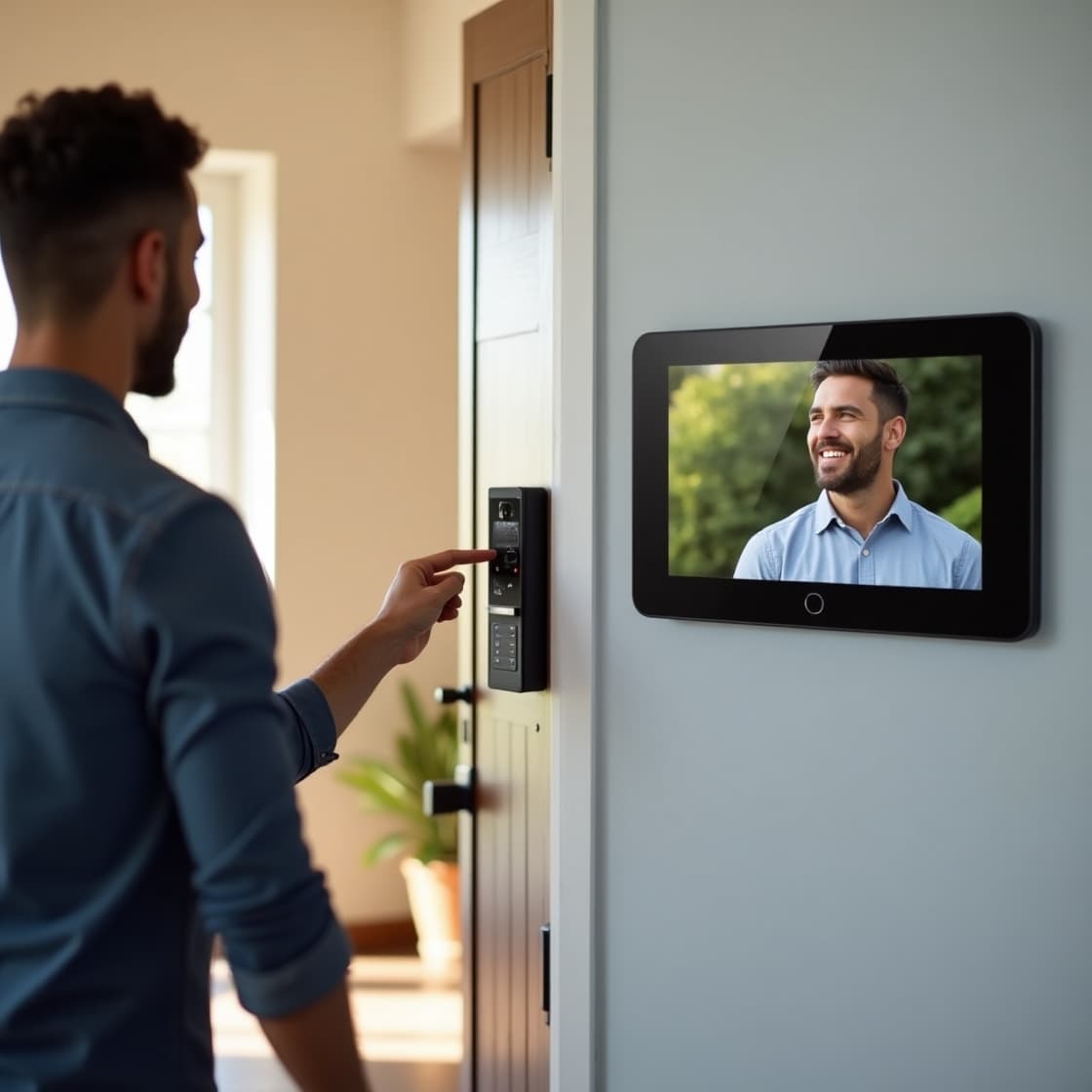
Society & Gym Management
Visitor Management for Housing Societies: Paper Register vs Face-Recognition Gate
The guard's register is a formality nobody reads. A proper visitor flow puts the decision with the flat and leaves a real record.
Biometric & Access Control
Face vs Fingerprint Attendance Machine: Which Should You Buy?
Fingerprint is cheaper; face is contactless. Which one fits your workplace — and what to check before you buy.
Biometric & Access Control
eSSL Machine Not Connecting to the Cloud (ADMS)? 9 Things to Check
Most ADMS connection problems come down to one of nine settings. Here's the checklist we use.
Biometric & Access Control
How to Connect an eSSL / ZKTeco Biometric Machine to the Cloud (ADMS Setup, Step by Step)
Most eSSL and ZKTeco machines can push punches straight to a cloud server without any PC software. Here's exactly what to set on the device.
Biometric & Access Control
Why Your Biometric Machine Shows the Wrong Time (and How to Fix It)
If late-marks and overtime look wrong, the machine's clock is usually the culprit — not your staff.
Frequently asked questions
How does visitor approval work?
The guard registers the visitor at the gate with a photo. The flat gets an approval request by link or on the resident app. Once approved, the visitor's face is added to the gate machine for one entry and removed automatically afterwards.
What happens if the visitor doesn't come?
Their access expires on its own, so no stale faces stay on the gate machine.
Do residents need to install an app?
The resident app works on any phone and can be installed, but approval requests can also come as a link.
Are residents' faces stored on your server?
No. Face templates stay on the gate machine. The server only keeps the gate ID, name, punch time and how the person verified.
Which machine do we need at the gate?
A face-recognition machine from eSSL, ZKTeco, Mivanta, Morx or Matrix Comsec that supports cloud push (ADMS / Cloud Server) mode. We can help you check your model — and supply and install one if you need it.
Can the committee download the gate register?
Yes. The gate log and monthly reports can be filtered and downloaded as PDF or Excel.
Put a face-recognition gate on your society
Factory, office, society or gym — connect your eSSL, ZKTeco, Mivanta, Morx or Matrix Comsec machine and see attendance on your phone from day one. Free 14-day trial.
Questions? Talk to Milan Dey