Face vs Fingerprint Attendance Machine: Which Should You Buy?
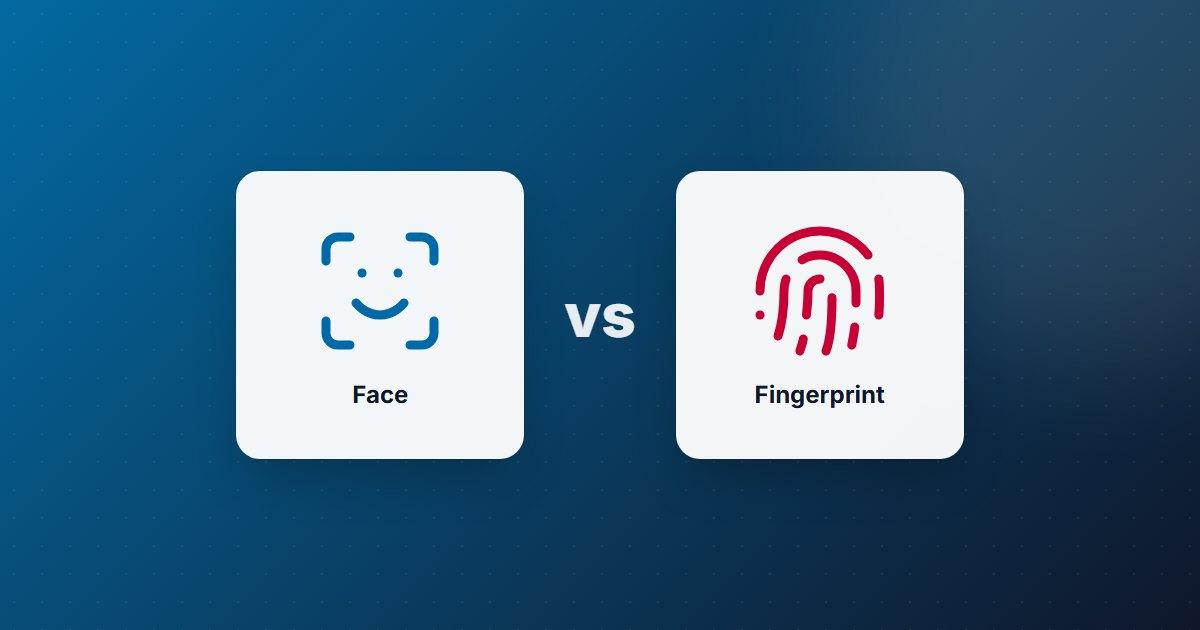
Both face and fingerprint machines do the same job — record who came in and when. Which one you should buy depends on who will use it, where it's mounted and what software it has to work with. Here's how we help customers decide.
Fingerprint machines
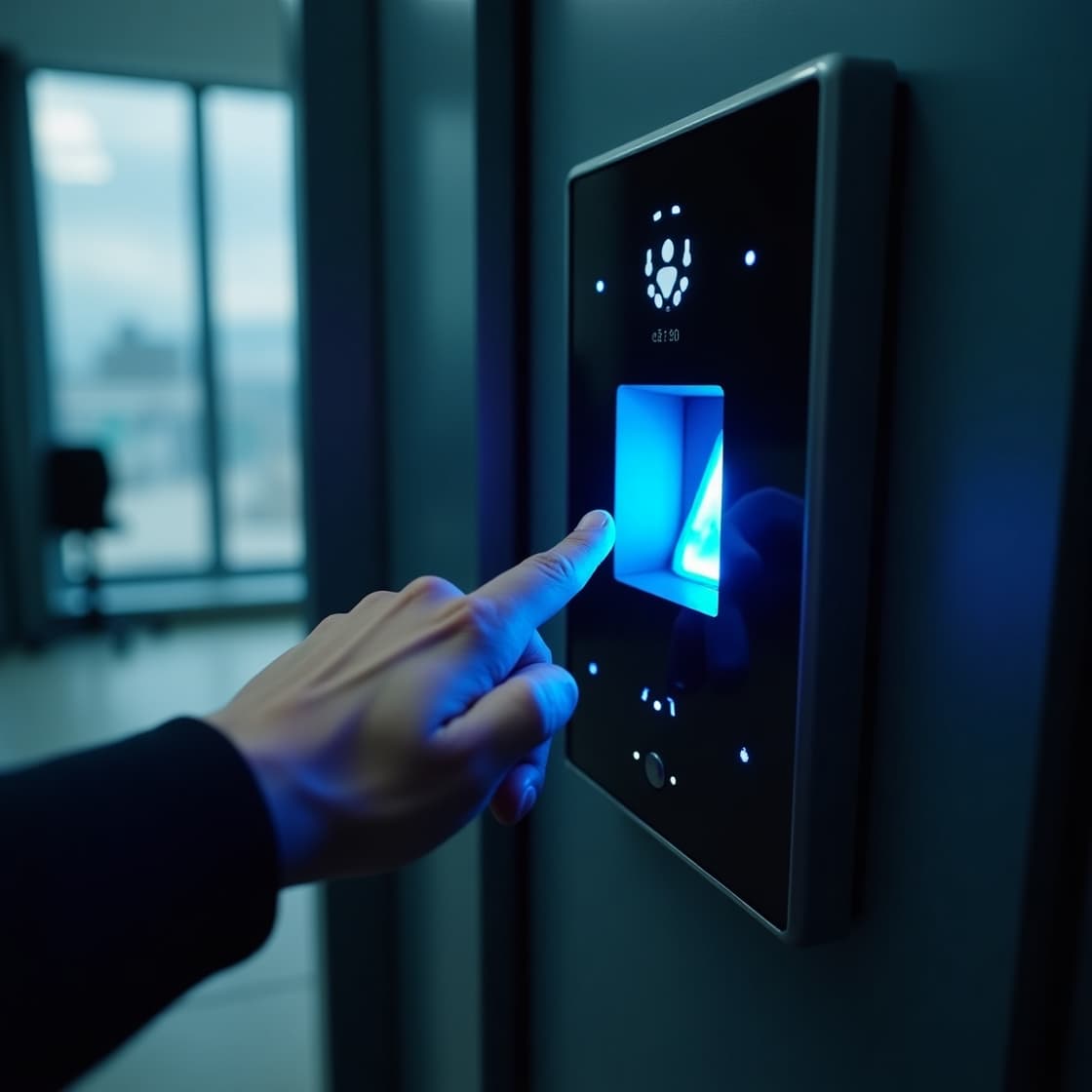
Fingerprint machines are the classic choice. They are usually cheaper, compact and well understood. They work very well in offices where people have clean, undamaged fingertips.
- Usually lower cost
- Small and easy to mount
- Struggle with worn, cut, dry or dirty fingers — common in factories, construction, kitchens and housekeeping
- Everyone touches the same sensor
Face recognition machines
Face machines identify people from a short look at the camera. Because nothing is touched, they suit places with a lot of people, dirty or gloved hands, or hygiene concerns.
- Contactless and quick
- Work for staff whose fingerprints don't read well
- Usually cost more than basic fingerprint machines
- Placement matters: avoid strong sunlight or a bright doorway directly behind the person
Which one for which place
- Office with a small team: fingerprint is usually enough
- Factory, warehouse or site with manual work: face, or a machine that does both
- Housing society gate: face — residents, staff and approved visitors walk in without touching anything
- Gym: face — quick member check-in with sweaty hands
Many machines do both
A lot of current eSSL / ZKTeco models support face, fingerprint and card or PIN together. That gives you a fallback for the person whose face or finger doesn't register on a particular day.
Check this before you buy
- Cloud support: if you want attendance on your phone without a PC, the model must support ADMS / Cloud Server mode
- Capacity: enough face and fingerprint users for your headcount, with room to grow
- Network: Ethernet or Wi-Fi at the mounting point
- Mounting: under cover, at a comfortable height, out of direct sunlight
We supply and install eSSL face and fingerprint machines in Mumbai — talk to us and we'll suggest a model that fits your site and headcount.
Either type connects to Attenza in ADMS mode. Face and fingerprint templates stay on the machine — the server only keeps the user ID, the time and how the person verified.
Frequently asked questions
Is a face or fingerprint attendance machine better for a factory?
Usually face, or a machine that supports both. Manual work wears down fingerprints, so fingerprint-only machines often fail to read some workers.
Can face and fingerprint machines connect to the cloud?
Yes, if the model supports ADMS / Cloud Server mode. Check this before buying if you want attendance without a PC.
Are biometric templates sent to the cloud?
With Attenza, no. Face and fingerprint templates stay on the machine; only the user ID, time and verification method reach the server.
Put your biometric machine on the cloud
Attenza turns eSSL / ZKTeco punches into attendance, payroll and gate logs — no PC, no static IP. Free 14-day trial.